Mirroring
A bound book has a spine. The margin next to it has to be wider — for the stitching, and because the page curves into the gutter — and it swaps sides between a right-hand page and a left-hand page. JournalKit resolves this once, at one place, and never again.
Margins are named by their job
Margins are inner (the binding side) and outer, not left and right. A
template declares side: right for a recto or side: left for a verso.
When the page's content rectangle is computed, inner becomes the left
margin on a recto and the right margin on a verso.
page:
  margins: {top: 2.5, bottom: 7.5, inner: 15, outer: 5}
templates:
  front: {side: right, content: [...]}
  back:  {side: left,  content: [...]}
Write left and right explicitly instead and mirroring is off — for a
single-sided card, or a page whose two sides are genuinely different.
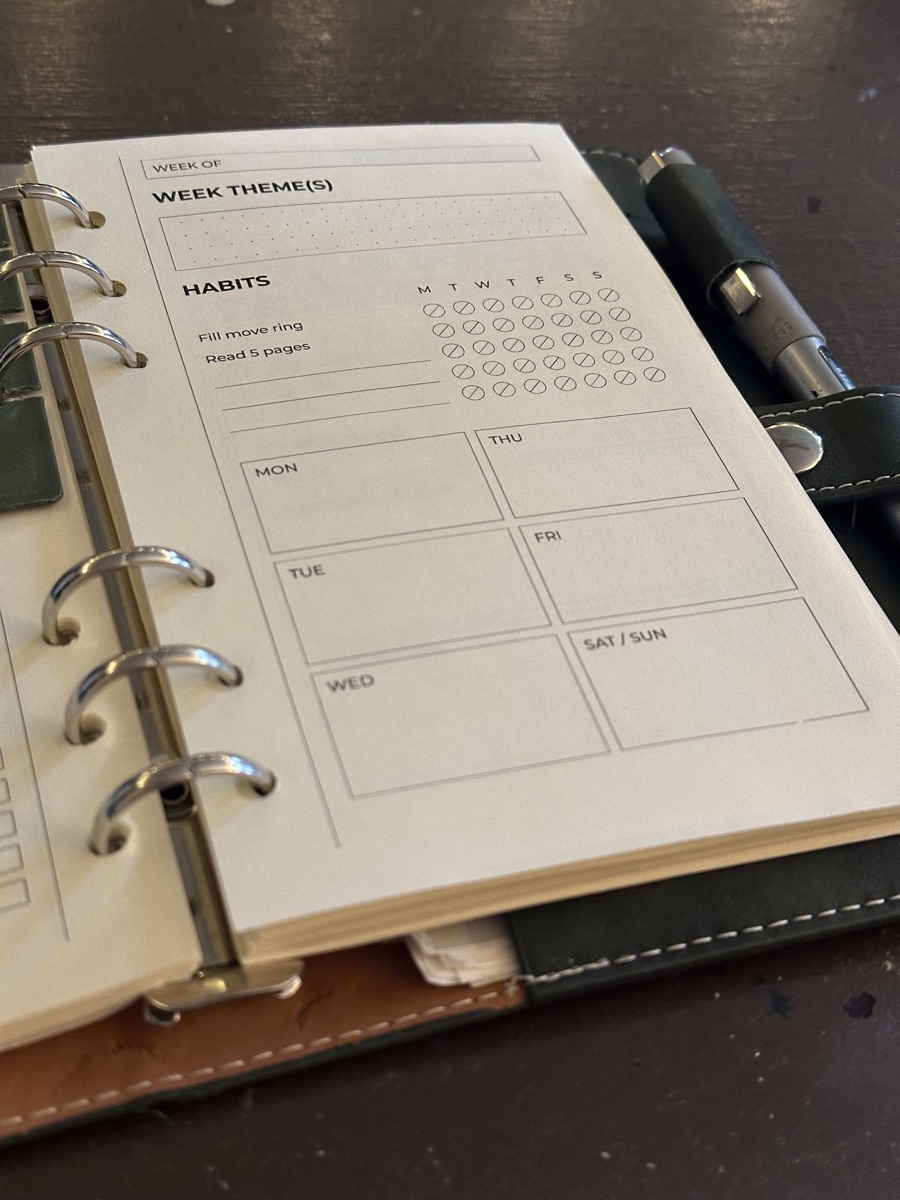
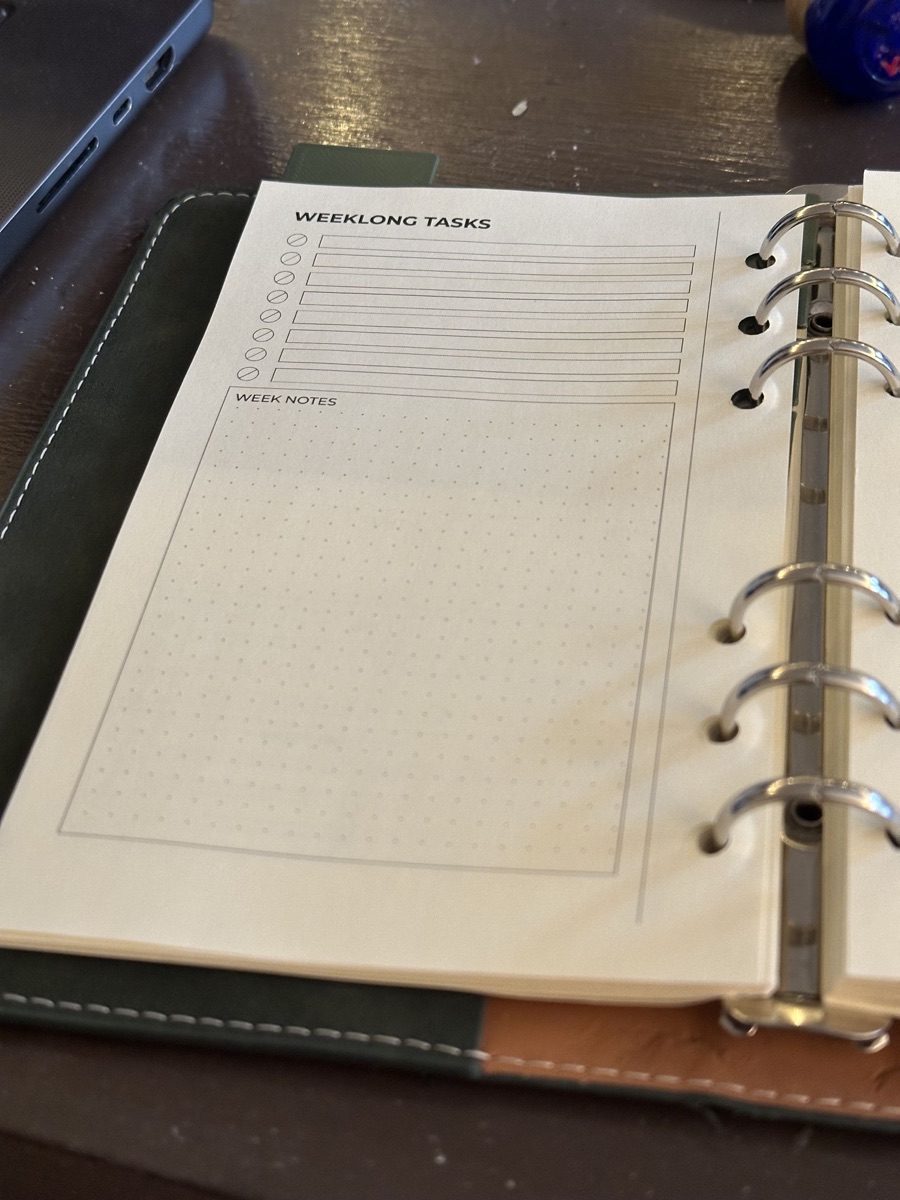
Modules never see the side
Every module receives a rectangle and draws inside it. It is not told whether the page is a recto or a verso (the render context carries the side for the engine's own use; a module that reads it is a bug). A template is therefore written once and works on both sides, and a module written for one project works in any other.
If you find yourself wanting a module to behave differently on the two
sides, the answer is two templates, or a decoration anchored to inner or
outer.
Decorations mirror through their anchors
Page furniture outside the content flow — a rule in the binding margin, a
running head at the thumb edge — uses the anchors inner and outer. They
are the only anchors that know the side, and their offset is measured away
from the text block towards the page edge, so
lands 4 mm into the binding margin on both sides of the spread without
changing. left and right anchors, by contrast, stay put; use them for
things that must not mirror.
Consequences
- One template per page design.
- Mirroring cannot be half-applied; there is no second place it happens.