JournalKit
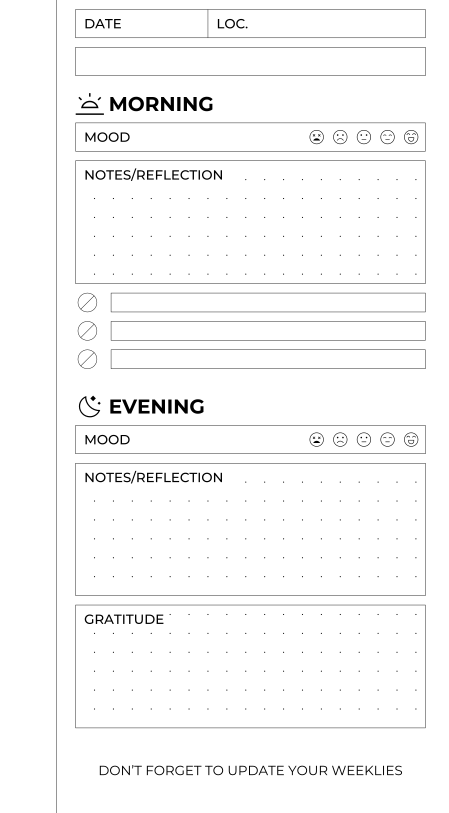
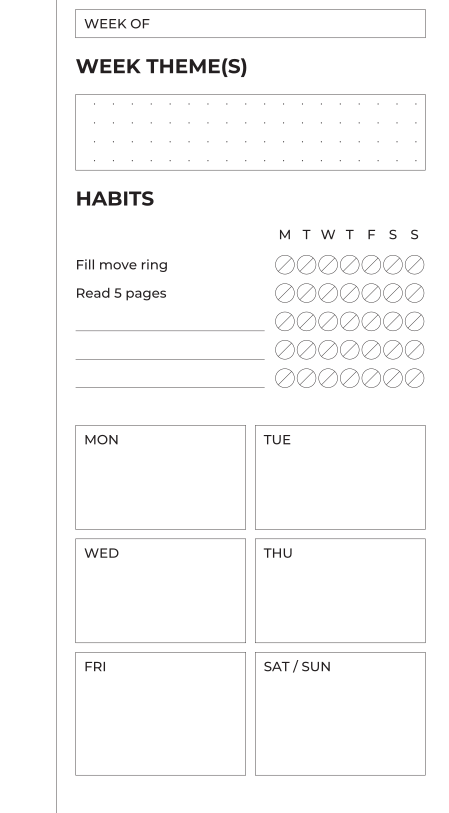
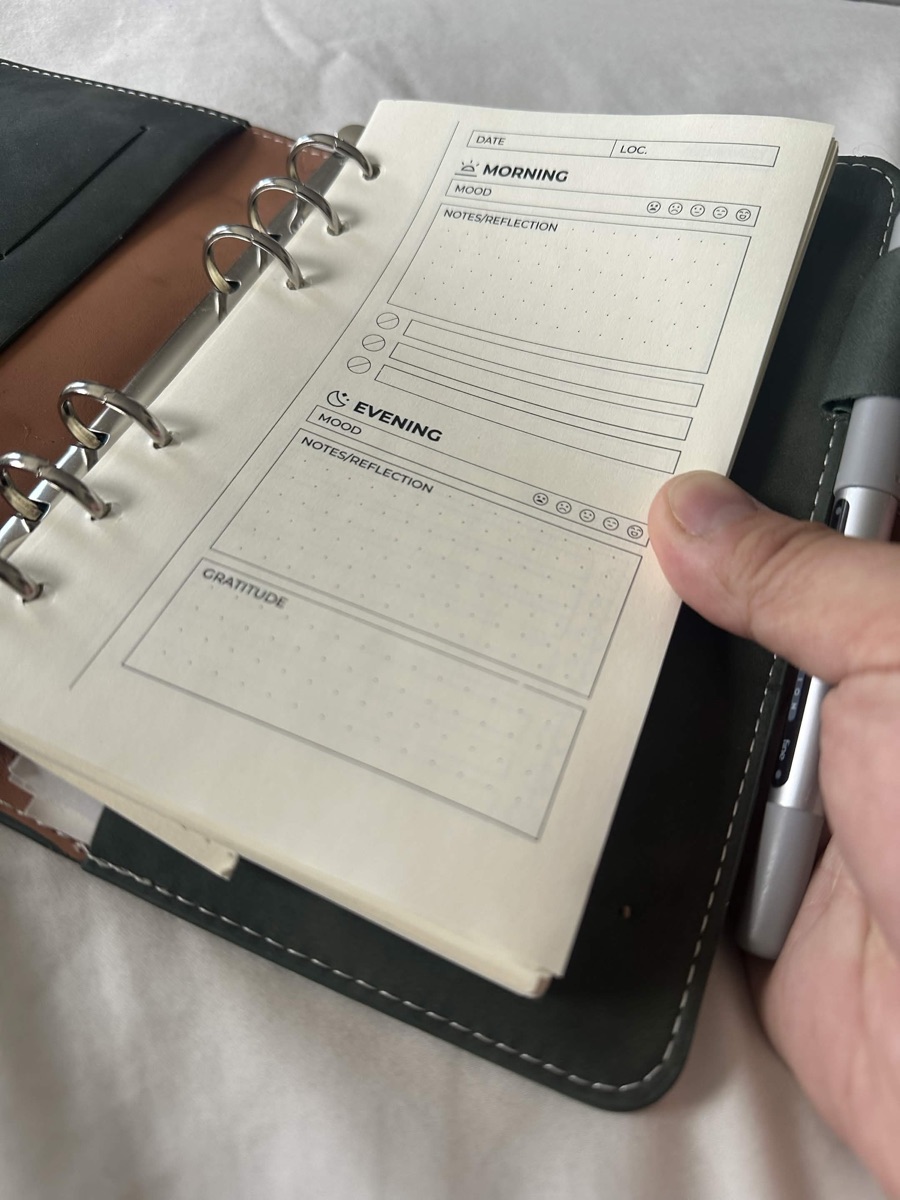
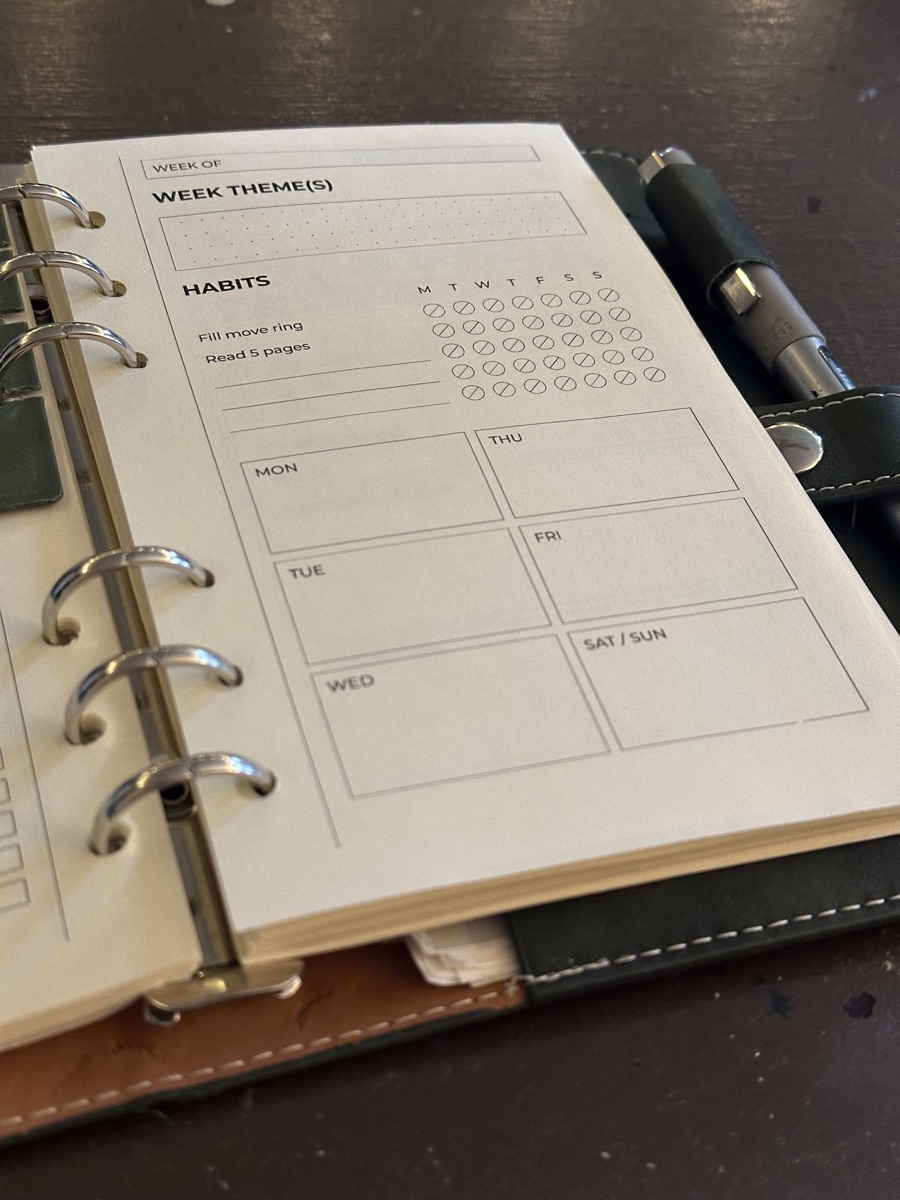
JournalKit turns a YAML description of a journal page into print-ready SVG and PDF. You list the modules a page should have — a date field, a heading, a dotted box, a checklist — and it lays them out on a grid.
Where to start
- Tutorial: install, build the starter project, add a page, write a module. About twenty minutes.
- Guides: how to do particular things.
- Reference: every command, key and parameter.
- Explanation: why it works the way it does.
What a document looks like
templates/daily.yaml
document: daily
page:
  size: [105, 170]
  margins: {top: 2.5, bottom: 7.5, inner: 15, outer: 5}
grid:
  module: 2.5
  dots: {spacing: 5, origin: [0, 2.5]}
templates:
  front:
    side: right
    content:
      - {type: fields, columns: [{label: DATE, width: 25}, {label: "LOC."}]}
      - {type: heading, text: MORNING, icon: sunrise}
      - {type: box, label: NOTES, height: fill, dots: true}
      - {type: checklist, rows: 3}
pages: [front]
A project is a directory with a templates/ folder of files like this, and
optionally modules/ for your own module types in Python and icons/ for
your own SVG icons.
Requirements
Python 3.10 or newer. PDF and PNG output use Inkscape, and multi-page PDFs also use Ghostscript; SVG output needs neither.
BSD 3-Clause License.